Work you can track
Every workout gets a report.
Traina takes notes while you work out. Afterward, you get a detailed report with reps, timing, progress, and areas to improve.
- Camera-counted reps for supported movements
- A private report when you finish
- Share selected proof only when you choose
Traina takes notes while you work out.
Afterward, you get a detailed report with your reps, timing, progress, and areas to improve.
- Know exactly what happened in the session
- Review useful stats and areas to improve
- Send selected proof to a trainer or friend


Available now on iPhone and Android.iPhone and Android available now.

 Camera countsProgramsReportsShare
Built around the report
Your workouts, reports, and progress in one place.
Built around the report
Your workout, your notes, and your progress in one place.
How Traina works
Set up the camera. Finish the workout. Get the report.
Traina takes notes while you train: reps, rest, timing, and useful movement details for supported workouts. Afterward, you get a clear report of how the workout went.
How Traina works
Traina takes notes while you work out.
Afterward, you get a detailed report with reps, timing, progress, and areas to improve.
01 · During the workout
Traina records what happened.
For supported exercises, the camera counts reps, tracks timing, and captures useful session details so the completed workout has a real record.
- Camera-counted reps
- Rest and timing history
- Workout details saved after you finish
01 · During the workout
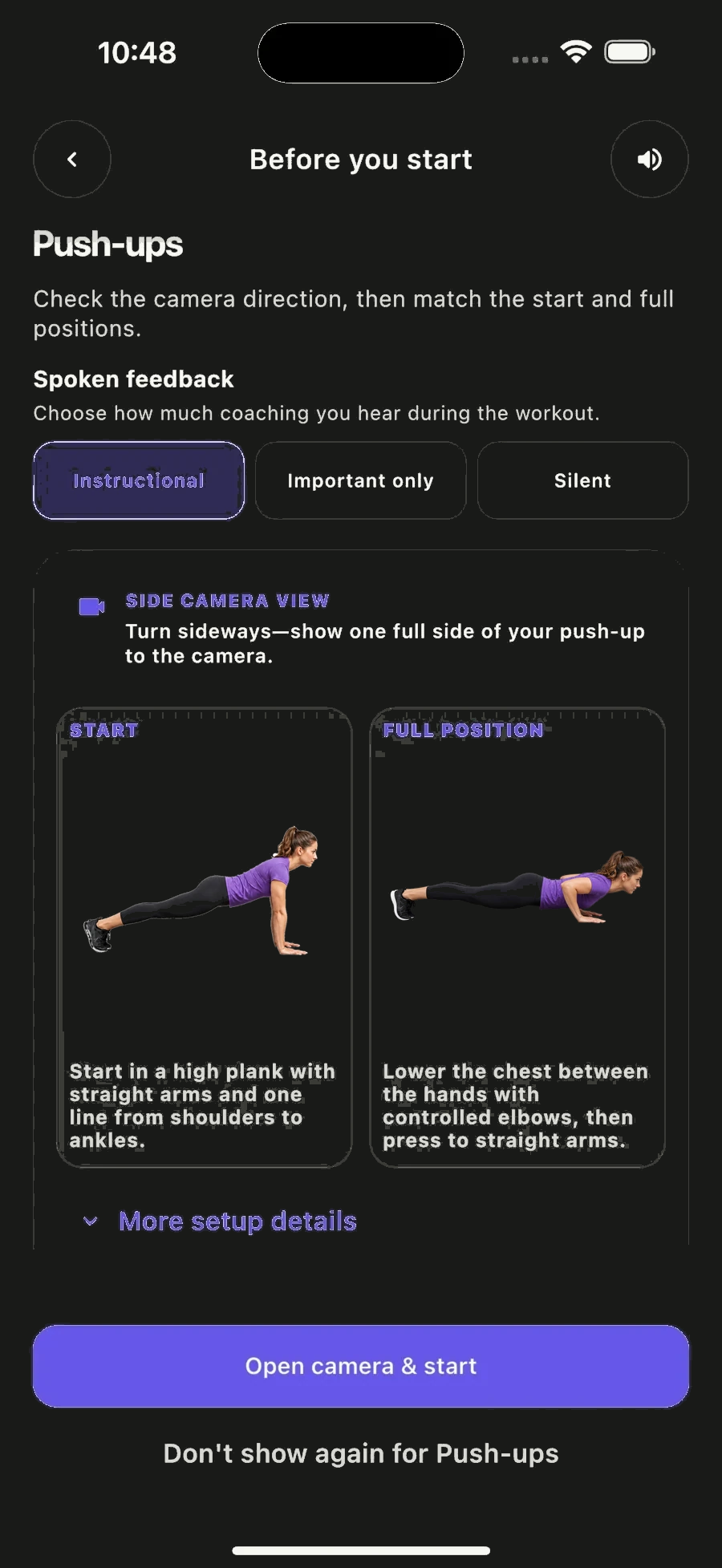
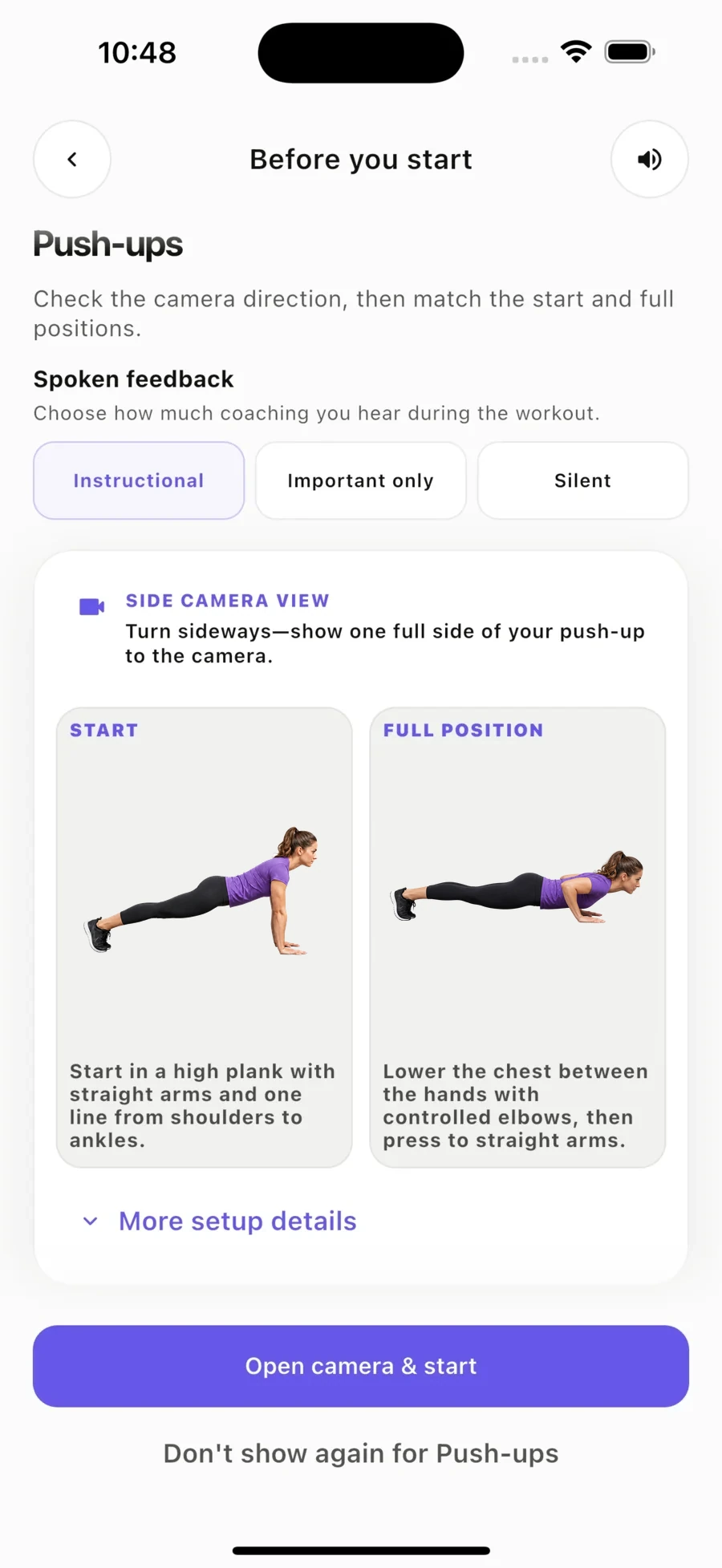
Let the camera take notes.
Set up your phone and start training. For supported exercises, Traina follows your movement, counts reps, and captures the details you would usually lose.
- Automatic rep counting
- Useful movement notes
- Guided setup for each exercise
02 · Workout report
The report is the payoff.
Traina turns the session into a private report with the details that matter: what you did, how it went, and what to work on next.
02 · Review after training
Stop losing the details after the set ends.
See the stats, notes, and improvement areas from the workout so you or your trainer can make the next session smarter.
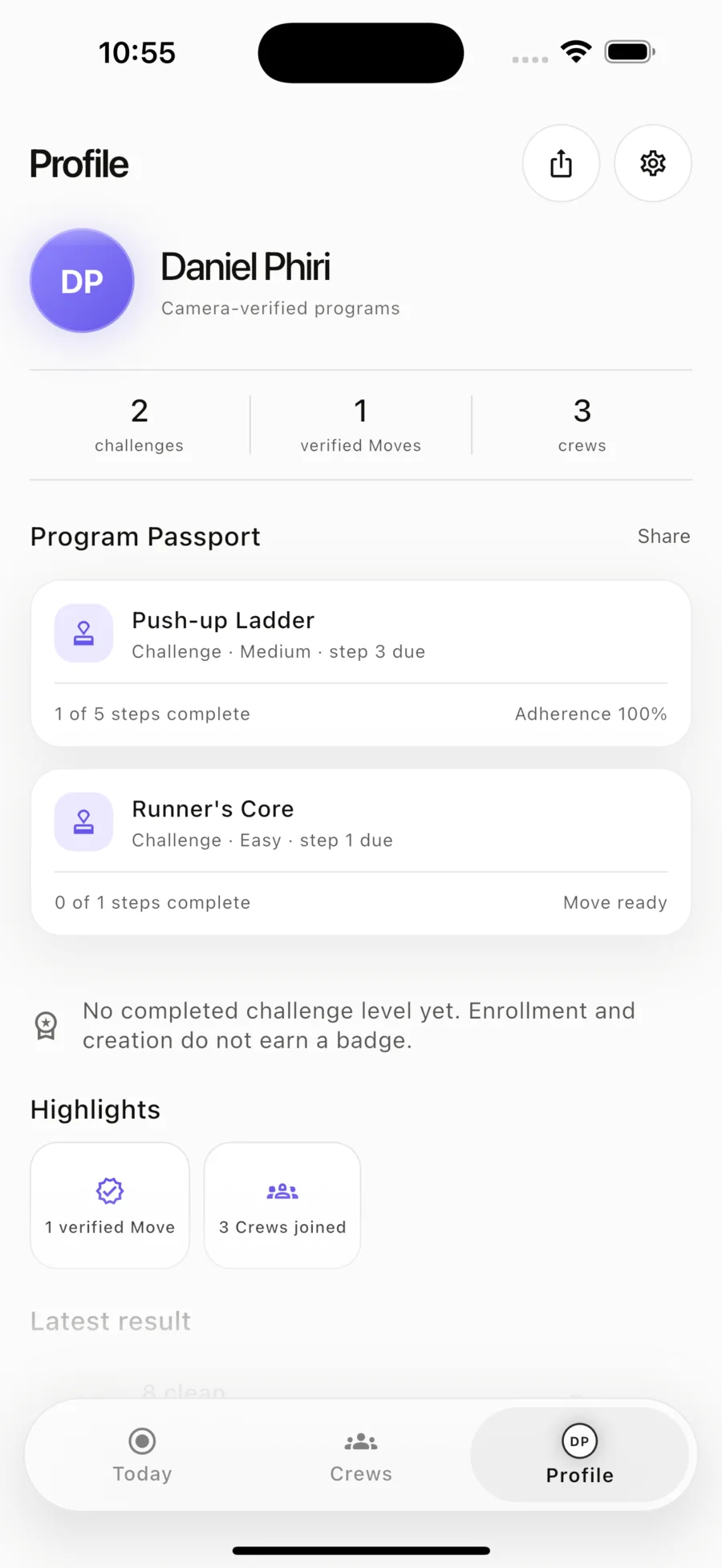
After the set
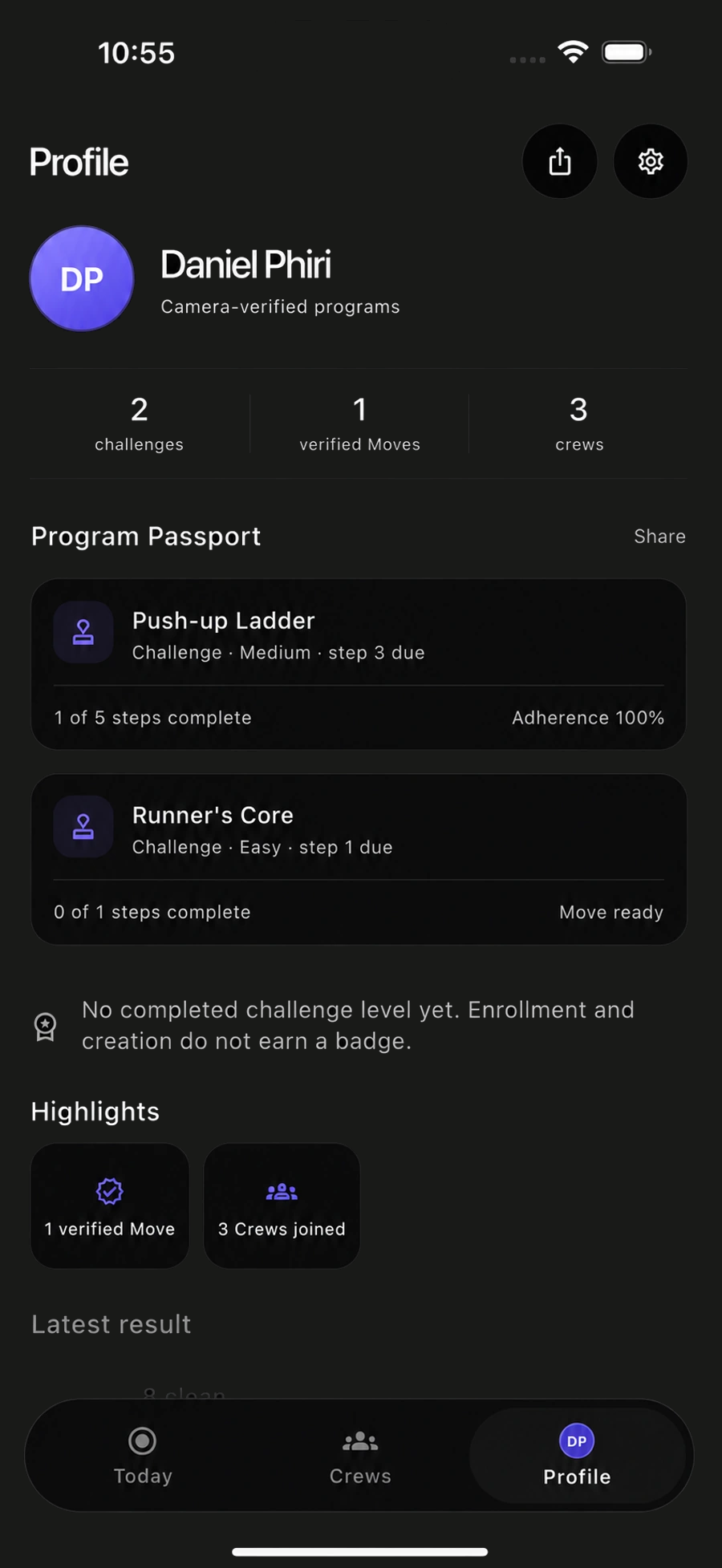
Keep every result in one place.
See completed workouts, reports, and progress history so the work does not disappear when the session ends.
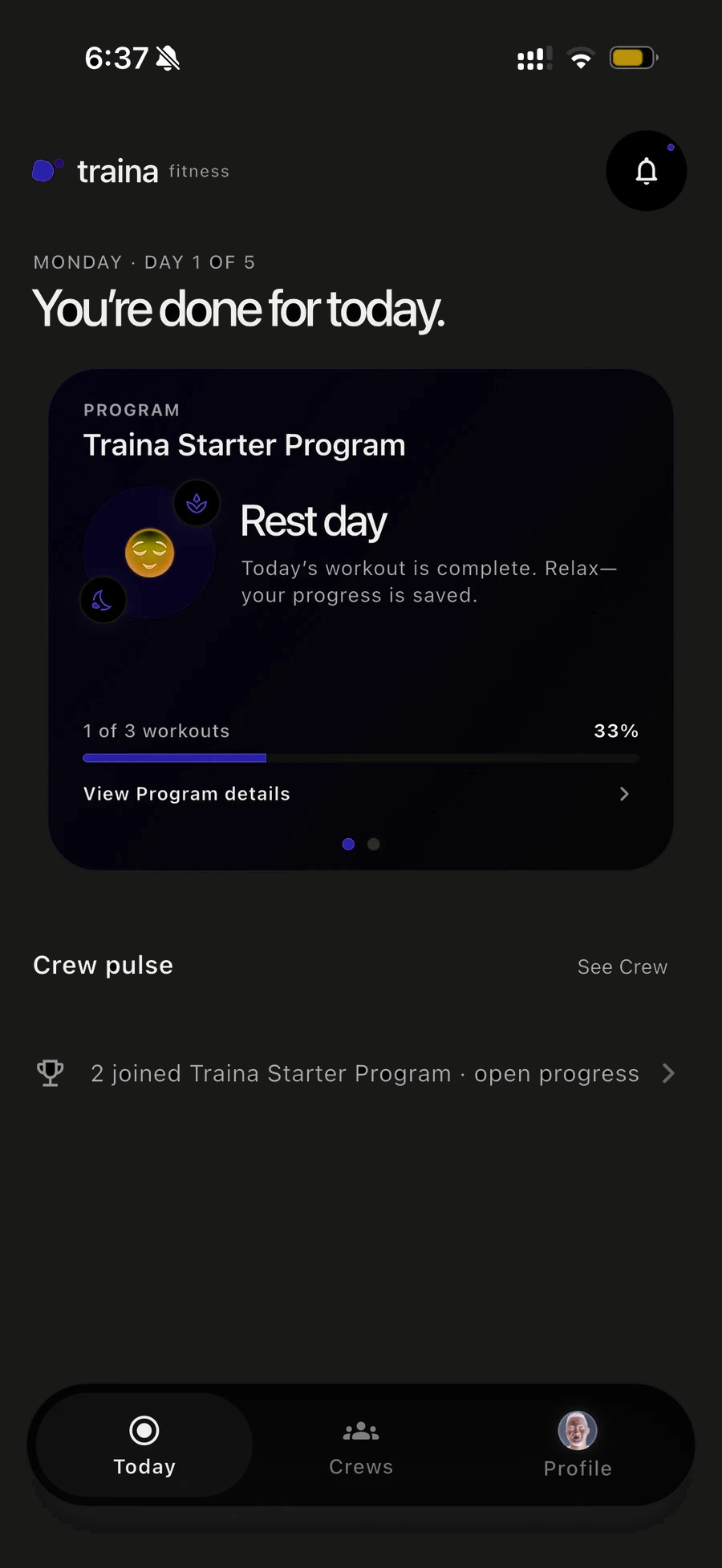
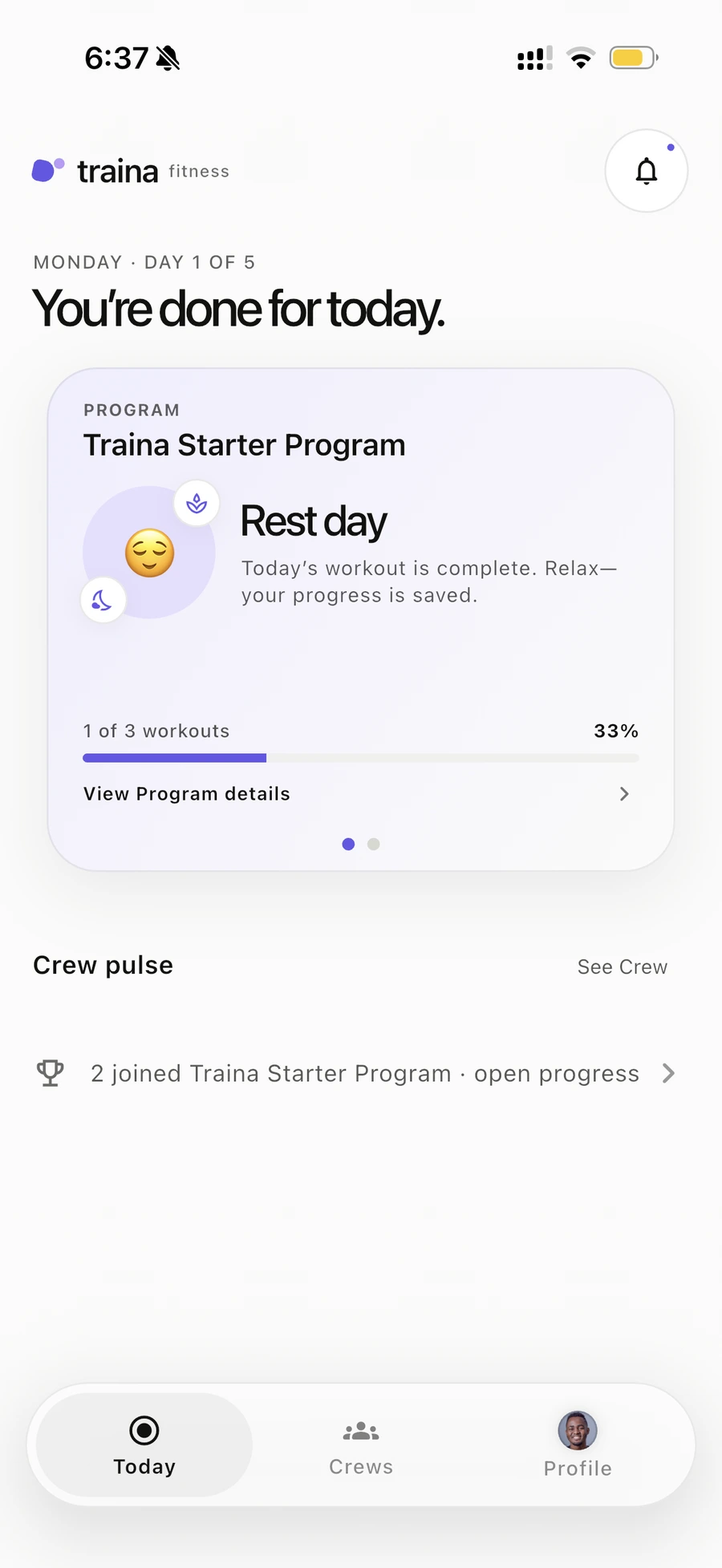
After the set
See your progress. Know what comes next.
Review workout results, follow programs, and keep your next session ready when it is time to train again.
You choose what to share.
Control who can see your workouts, and review the details in our privacy policy.
Start your next workout report.
Set your phone down, train, and get the report when you finish.
Let Traina take notes on the next one.
Follow a program, finish the workout, and review exactly what happened in Traina.


Questions
A few things worth knowing.
What does Traina do?
Traina uses your phone camera during supported workouts to count reps, capture key session details, and turn the workout into a report you can review or share with people you choose.
Does it count reps automatically?
Yes. For supported movements, Traina counts as you train so you can stay focused on the set.
Which exercises can I use?
Traina supports home and gym movements across legs, chest, shoulders, back, arms, core, and full-body training, including squats, lunges, push-ups, planks, curls, and more.
What do I need to start?
Choose a supported workout, place your phone where the camera can see your movement, and make sure you have a clear space to train.
Is Traina free to download?
Yes. Optional Premium features may be offered, and any price, trial, renewal, and cancellation details are shown before purchase.
Where can I download it?
Traina is available for iPhone on the App Store and for Android on Google Play.
How should I train safely?
Rep counts and report details are estimates, not guarantees of technique or safety. Train at your level in a clear space, stop if something feels wrong, and seek qualified guidance when needed.